
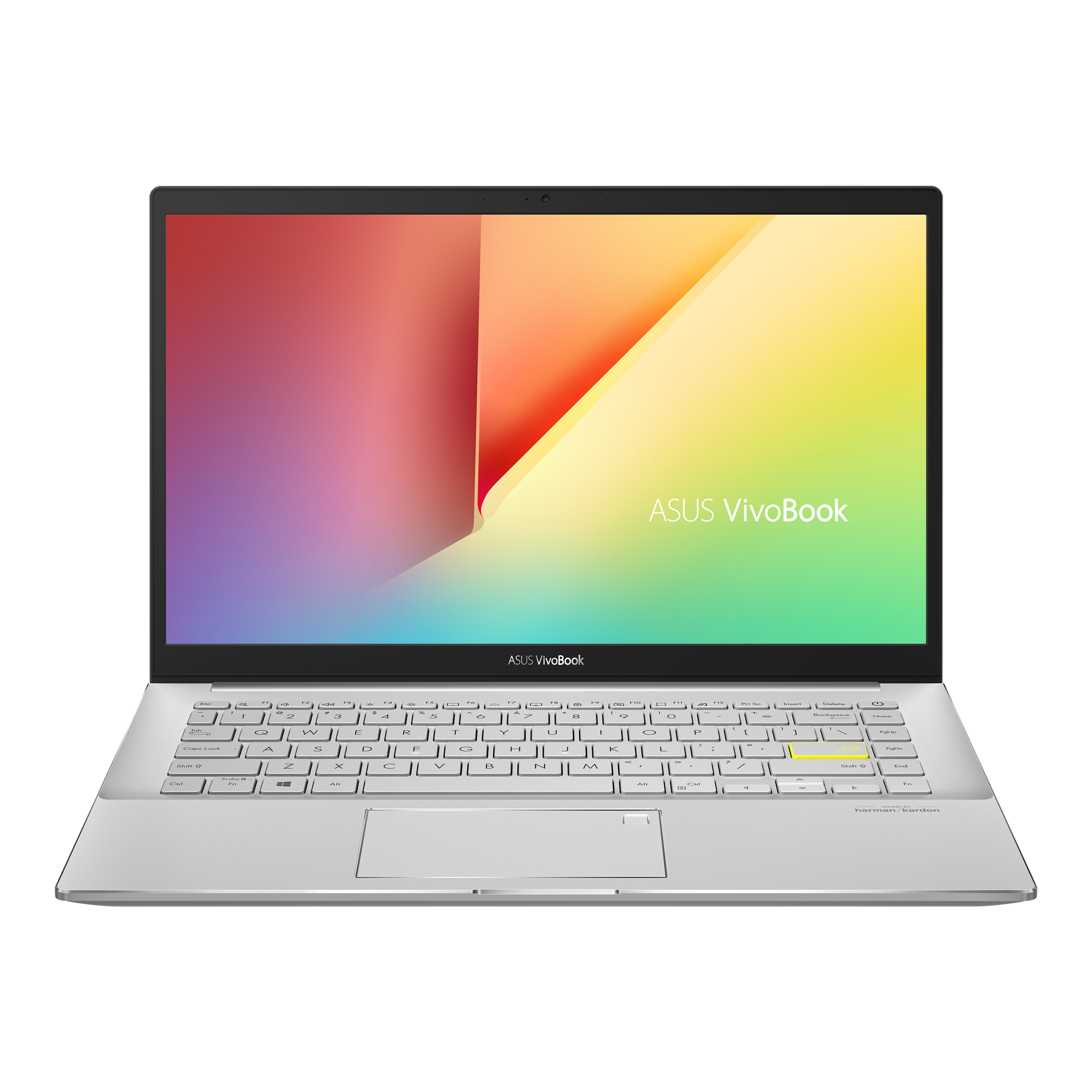
The modern world runs on portability. Gone are the days when heavy data processing, creative design, or competitive gaming required being anchored to a massive desktop tower beneath a desk. Today, the modern laptop compresses incredible processing power, brilliant displays, and long battery life into sleek, lightweight chassis that fit easily into a backpack.
However, the sheer variety in the mobile computing landscape can make choosing a new device incredibly daunting. With manufacturers releasing dozens of configurations featuring complex spec sheets—mentioning RAM, CPU architectures, thermal limits, and integrated graphics—it is easy to feel lost. Should you buy a lightweight ultrabook, a rugged workstation, or a flexible 2-in-1 touchscreen?
In this comprehensive guide, we will break down the primary categories of laptops, demystify the hardware specifications that actually dictate real-world performance, and help you select the ideal machine for your specific workflow and budget.
Defining the Categories: Which Type Fits Your Lifestyle?
Before evaluating individual processors or storage tiers, you must identify how you plan to use your machine daily. The laptop market is broadly divided into several core categories:
1. Ultrabooks and Productivity Thin-and-Lights
Engineered specifically for commuters, students, and remote professionals, ultrabooks prioritize battery life, weight, and aesthetic design over raw graphical horsepower. They typically feature premium aluminum or carbon fiber frames, weigh less than three pounds, and provide enough battery stamina to comfortably outlast a full workday.
Best For: Writing, web browsing, data analysis, spreadsheet management, and frequent travel.
2. Creative and Technical Workstations
For videographers, 3D modelers, software engineers, and architects, standard office laptops will quickly choke under heavy loads. Workstations feature high-wattage, multi-core processors paired with dedicated graphics processing units (GPUs). They often display color-accurate, high-resolution screens (such as 4K OLED or Mini-LED displays) to guarantee what you see matches your final output.
Best For: 4K video editing, complex code compilation, CAD modeling, and graphic design.
3. Gaming Laptops
Gaming rigs are built for pure, unadulterated performance. They utilize top-tier graphics cards and advanced internal thermal systems (fans, heat pipes, and vapor chambers) to prevent hardware throttling during long play sessions. A hallmark feature of modern gaming laptops is a high-refresh-rate display (144Hz to 240Hz+), ensuring smooth movement and rapid response times.
Best For: AAA gaming, streaming, and heavy hardware virtualization.
4. 2-in-1 Convertible Laptops
Featuring 360-degree geared hinges or detachable keyboards, 2-in-1 devices seamlessly transform from a traditional clamshell notebook into a drawing tablet. They frequently come paired with a pressure-sensitive active stylus, making them a favorite among digital illustrators and students who prefer taking handwritten notes directly on lecture slides.
Demystifying Hardware Specs: The Core Components
When reading a product listing, companies love to throw a wall of numbers at you. Let's isolate the four hardware pillars that determine how fast your computer will actually feel:
The Processor (CPU): The absolute brain of the machine. For standard office productivity, an Intel Core i5, AMD Ryzen 5, or an entry-level Apple M-series chip is perfect. For heavy multitasking or creative rendering, look toward an Intel Core i7/i9 or AMD Ryzen 7/9 configuration.
System Memory (RAM): Think of RAM as your computer's short-term memory or temporary workspace. In the current software environment, 16GB of RAM is the recommended baseline for smooth multitasking. Avoid 8GB configurations unless you are strictly browsing the web or working on a tight budget. If you handle massive datasets or professional video production, opt for 32GB.
Storage (SSD): Never buy a machine with a traditional mechanical hard drive. Modern systems rely on Solid State Drives (SSDs) because they access and transfer files exponentially faster. A fast SSD allows your computer to boot up in seconds and ensures applications launch instantly.
Graphics (GPU): Integrated graphics (built directly into the CPU chip) are perfectly adequate for streaming movies, handling office work, and light casual gaming. However, if you plan to play modern video games or render complex 3D projects, a discrete, standalone GPU is mandatory.
Building a Dependable Enterprise or Home Ecosystem
Investing in a powerful portable computer is an excellent step, but maximum productivity requires a complete hardware ecosystem. Whether you are scaling an enterprise fleet or creating a streamlined home office, sourcing your technology from a dependable supplier ensures your hardware components sync effortlessly.
When it comes to outfitting a professional workspace or updating individual components, Tecisoft provides a robust online destination featuring everything from cutting-edge laptops and enterprise workstations to critical networking gear, power distribution units, and storage upgrades. Relying on an authorized tech reseller allows you to build out a complete desktop docking environment around your notebook—giving you the freedom to transition seamlessly from a mobile mobile setup to a dual-monitor multi-tasking hub at home.
Ergonomics and Practical Checklist: Before You Buy
While raw internal power is important, your physical interaction with the machine dictates your day-to-day comfort. Before finalizing your choice, cross-reference your options against this ergonomic checklist:
Keyboard and Trackpad Texture: Since your hands touch these surfaces constantly, comfortable key travel (the depth keys plunge when pressed) and a smooth, spacious glass trackpad prevent wrist fatigue and long-term strain.
Port Selection: Many ultra-thin models completely sacrifice ports to save space, leaving you with only one or two USB-C connectors. Make sure your prospective machine has the correct ports for your workflow (HDMI for external monitors, an SD card slot for photography, or standard USB-A for legacy peripherals) to avoid carrying a tangled mess of plastic adapters.
Display Aspect Ratio: Traditional widescreen displays use a 16:9 aspect ratio. However, productivity-focused laptops have largely shifted toward taller 16:10 or 3:2 displays. This extra vertical space lets you view more text, lines of code, or rows of a spreadsheet simultaneously without constant scrolling.
Conclusion: Making the Right Long-Term Investment
A reliable portable computer is more than just an electronics purchase; it is a critical investment in your productivity, creative expression, and daily entertainment. Rather than hunting for the absolute cheapest option or overpaying for extreme professional-grade specs you might never utilize, focus on locating a balanced system that directly complements your routine. Take the time to audit your software requirements, define your mobility needs, and choose a configuration that keeps your digital life fast, fluid, and completely uninterrupted.
 English
Join our community to interact with posts!