
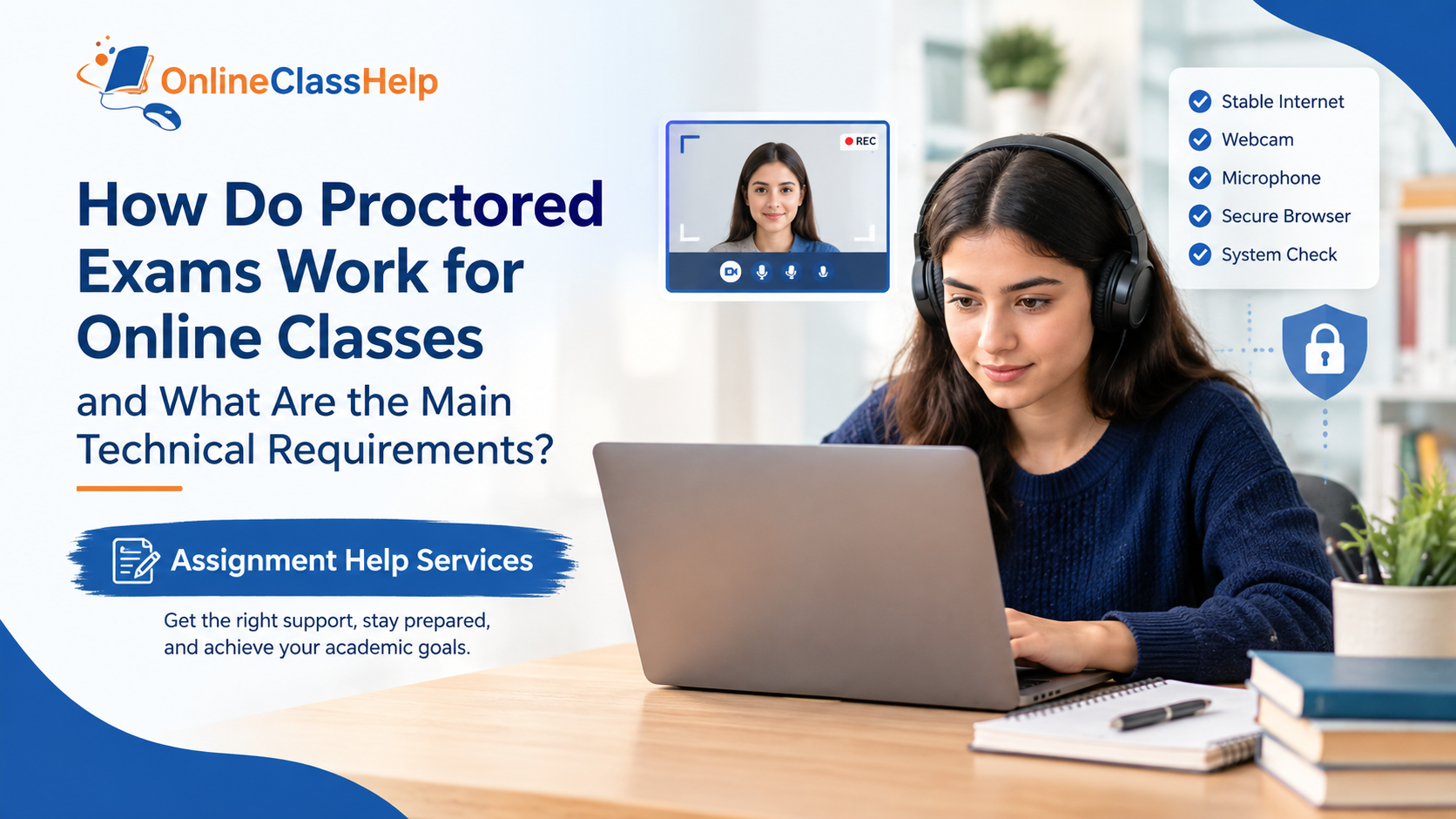
Proctored exams can feel stressful for online students because they combine academic preparation with strict technical and testing requirements. If you are already managing assignments and deadlines, Assignment Help Services can provide academic support with preparation, research, and understanding difficult course material. However, students taking a proctored exam should always follow their institution’s rules and testing policies.
What Is a Proctored Online Exam?
A proctored exam is an online assessment monitored through technology or a human proctor. Depending on the institution and course, the process may involve identity verification, webcam monitoring, screen recording, browser restrictions, or other security measures.
The purpose is generally to create a controlled testing environment while allowing students to complete assessments remotely. Requirements can vary considerably between universities, instructors, and examination platforms.
What Technical Requirements Should You Check?
Before exam day, carefully review your instructor's instructions and complete any required system checks. Common requirements may include:
A reliable computer: Use a compatible desktop or laptop that meets the testing platform's hardware and operating-system requirements.
Stable internet: A dependable internet connection is important because interruptions can interfere with authentication, monitoring, or submission.
Working webcam: Some proctoring systems require a functioning webcam for identity verification and monitoring.
Microphone and speakers: Certain platforms may require audio access during the examination.
Supported browser: Your exam may require a particular browser or a dedicated application. Check the institution's instructions before installing anything.
Lockdown or secure browser: Some exams use software that restricts access to other websites, applications, or browser functions during testing.
What Happens Before the Exam?
Students may need to install approved software, run a compatibility check, verify their identity, and test their camera and microphone. Some systems also require students to show their testing environment or follow specific room and desk requirements.
Do not wait until the scheduled examination to discover that your browser, operating system, camera, or internet connection is incompatible. Completing the technical test in advance gives you time to contact your instructor or the platform's technical support team.
What Happens During the Exam?
After authentication and any required security checks, the student begins the examination under the conditions established by the institution. Depending on the platform, activity may be monitored through video, audio, screen recording, browser controls, or a live proctor.
Students should avoid opening unauthorized applications, using prohibited resources, or attempting to bypass monitoring technology. OnlineClassHelp.us.com specifically notes that students taking proctored tests should follow their institution's guidelines concerning external assistance.
How Can Students Prepare?
Good preparation combines technical testing with academic study. Review the syllabus, understand the exam format, organize permitted materials, and practice using the required platform when possible.
If you are struggling with the course material, academic support can help you understand concepts, organize study resources, improve assignments, and prepare for assessments. OnlineClassHelp.us.com describes its support as including tutoring, preparation resources, and assistance across different academic subjects.
Final Checklist
Before starting a proctored exam, confirm that:
- Your computer meets the platform requirements.
- Your internet connection is stable.
- Your webcam and microphone work properly.
- Required software or browsers are installed.
- You have completed the system compatibility check.
- Your testing area follows the instructor's requirements.
- You understand which resources are permitted.
- You know how to contact technical support if something goes wrong.
Most importantly, read your institution's instructions carefully. Technical preparation can reduce avoidable problems, while proper academic preparation can help you approach your online exam with greater confidence.
 English
Join our community to interact with posts!