
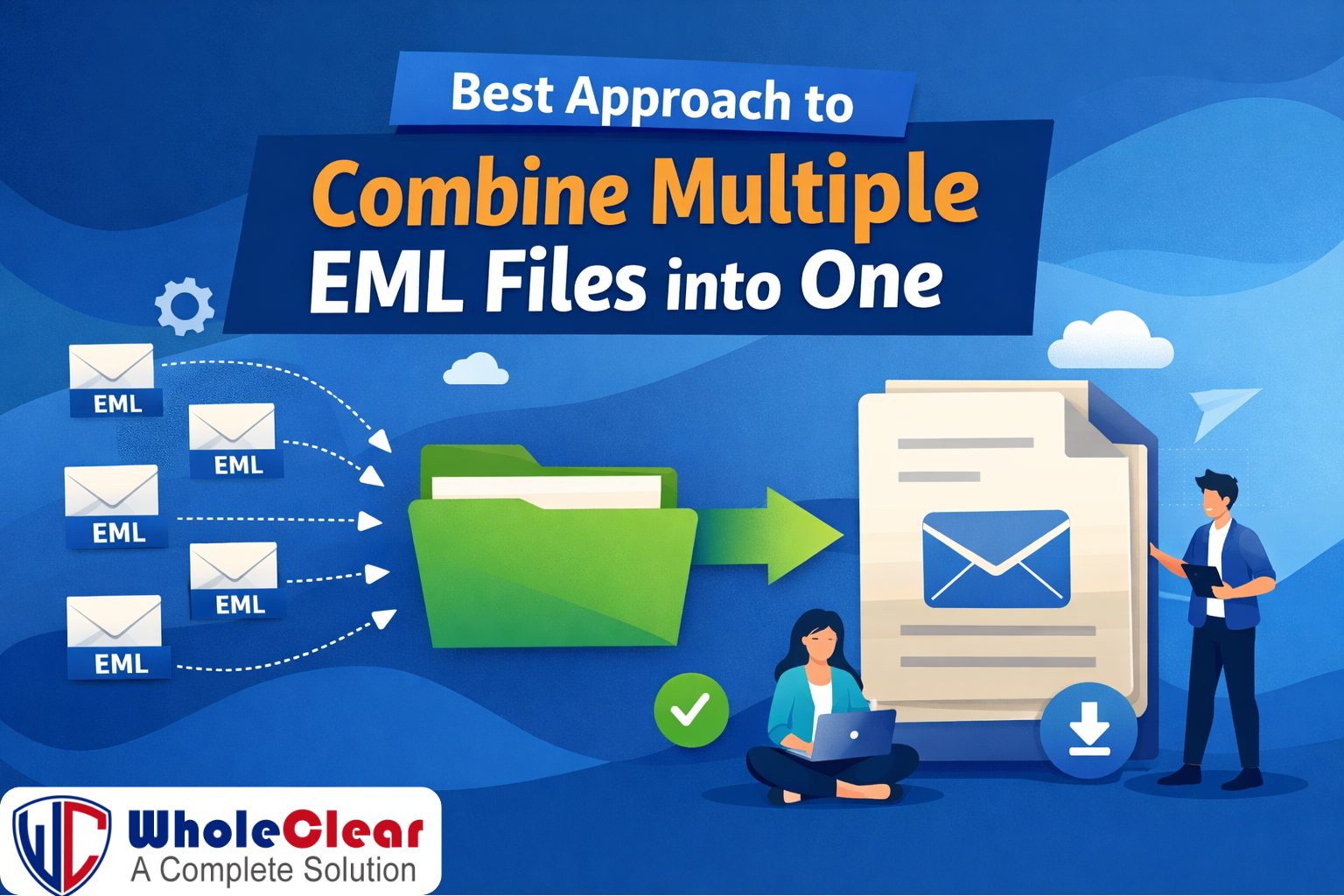
Over time it might be difficult to manage email data stored in EML format especially when emails are spread out over hundreds and thousands of files. Many email applications like Windows Live Mail, Thunderbird and Apple Mail use EML files, but it's not always easy to work with them one at a time. This is why many people want to know the best way to combine many EML files into one. It makes managing and moving emails much easier.
This article talks about methods both manual and professional to combine multiple EML files into one file that everyone can view while keeping the data secure.
Why Combine Multiple EML Files?
Before getting into the approaches, it's vital to know why it is helpful to combine EML files:
• Email management and organizing are easier
• Less chance of losing data since files are spread out
• Made it easier to move to other email services
• Getting to old email data faster
• Better efficiency for backups and archiving
• It is easier to search, save, and share EML files when they are combined.
How to Combine EML Files Manually
Method 1: Use Email Clients
One of the most typical ways to do things manually is to import EML files into an email client that can read them.
Working Steps:
• Install an email program like Mozilla Thunderbird.
• Make a folder on your computer
• To add multiple EML file to the folder you can drag & drop them.
• Emails look like they are all in one inbox folder
Limitations:
• Time-consuming for large datasets
• Files can be corrupted when you drag and drop them.
• There is no single output file emails stay in the client.
• Problems with performance while opening big EML files
This method works for small number of emails but it's not the best choice for professional or long-term use.
Method 2. Merge using File Compression
Some people try to put several EML files into a ZIP and archive file.
Advantages
• Easy and fast
• Keeps original files safe
Disadvantages:
• Emails can't be read without extraction
• Not good for email clients and converting data.
This method is more of a way to get around storage issues than a real solution.
Problems with Manual Methods
There are certain problems with manual approaches, even when they don't cost anything:
1. Lack of scalability
2. No keeping of folder hierarchy
3. Increases chances of human errors
4. Limited support for batch EML files
5. No possibilities for automation and filtering
These restrictions often make people who have to works with email archives for a better option.
Using an Automated Tool-Based Approach
When looking for the best way to combine multiple EML files into one, automated programs is a good mix between accuracy and data protection.
WholeClear EML to PST Converter is a popular tool for this job. Users can use this program to combine numerous EML files into one PST file, which can then be opened in Microsoft Outlook.
Some of the important features are:
1. Combine several EML files into one file
2. Dealing with big EML files without any problems with their size
3. Keeping the original structure and content of the email
4. Supporting batch processing to let things run more smoothly
Users can access all of their emails from one file by exporting EML files into PST format. This also keeps Outlook compatibility. This is very helpful for people who want to move their email or keep it for a long time. It's important to remember that automated tools are usually best for people who work with large datasets and need accuracy and consistency across merged email files.
Last Thoughts
The best way to combine several EML files into one depends on things like how many files there are and how comfortable you are with technology and how long you plan to use the file. Manual approaches might work for small tasks, but they generally don't work well when you have batch email and a lot of complicated emails. EML to PST Converter is a well-organized and effective solution to combine EML files into one easy-to-handle format while keeping the emails' integrity. Users can make managing their email much easier and make sure their data is safe and accessible by choosing the correct method.
 English
Join our community to interact with posts!